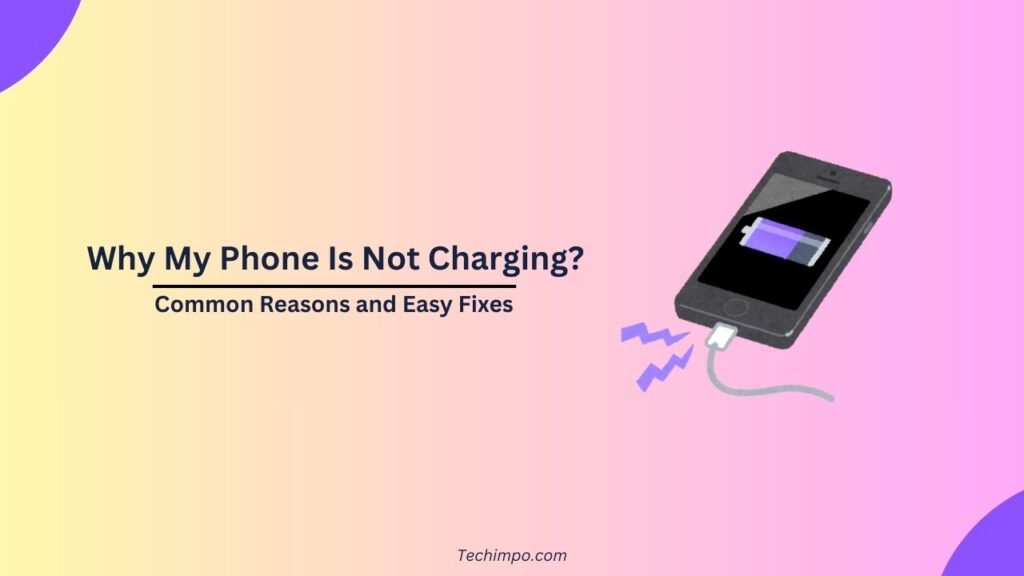
Whether it’s communication with others, office work, or personal entertainment, everything now depends on your phone. So the frustration you may feel when you see the device’s battery percentage not increasing while it’s plugged in is fully understandable.
The solution lies in understanding a few common issues. We have mentioned below those issues. Most of the issues are easily fixable.
1. A Fault in the charging cable or Adapter
The first thing to check is if the charging cable and adapter are fine. That’s because the fault most commonly lies in them only in case of charging issues.
Even if your cable looks fine externally, it may have been damaged internally. The damage may cause your charger to be unable to charge at all or charge intermittently.
Similarly, if the adapter is of low quality, it may not be able to deliver the required amount of power to your smartphone.
So you should try charging your device with a different adapter and cable. If this change fixes the charging problem, you have found the issue.
2. Dust in the Charging Port
Sometimes, the fault lies in the charging port of the device. As you know, when not in use, your smartphone spends time in your pocket or bag, from where it collects dust, etc.
Even when it’s in your hand, the charging port of your device may collect some dust. The debris thus compacted inside the charging port of the phone results in improper contact between the charging cable and the port when plugged in.
So you should clean the charging port of your device gently with the use of a soft brush or toothpick. But never use a metal object for cleaning purposes, as it can cause damage to the port.
3. Problems in Power Source
It’s not always your phone that’s causing the issue. Sometimes, the problem is with the power source you are using. Maybe the wall socket, USB port, or power strip you are using for charging your device isn’t delivering the power properly.
Check it with a different wall outlet. And, if you are charging your phone with your laptop or computer’s USB port, try charging it with a wall socket directly.
4. Battery Health Issues
Sometimes the reason behind the charging problem lies in the battery age. If your smartphone is a few years old, its battery may have degraded. So you should check the health of your phone’s battery.
If the battery health is poor, the best option to fix the charging issue would be to replace the existing battery with a new one.
5. Software Glitches
Has your phone recently gone through a system update, or have you installed a new app? If yes, this update might also have caused a software glitch. However, such bugs are temporary; they can also cause issues like the device charging, but the battery percentage isn’t increasing.
In such cases, a simple restart can restore the normal charging behavior by fixing the background glitches.
6. Temperature Extremes
Smartphones are usually designed to stop their charging function when they get too cold or too hot. So charging may be stopped when you are changing the device in direct sunlight. This safety feature may trigger even while running heavy apps on the phone.
The simple solution in this kind of case is to let the device get back to the room temperature.

Deepak Setia is the Founder, Tech Writer, and Managing Editor at Techimpo.com. With a background in freelance tech journalism and SEO, he combines industry analysis with a commitment to accurate, high-integrity reporting. Over his 8-year writing career, Deepak has covered hardware, software, IT, mobile technology, apps, internet services, cybersecurity, artificial intelligence, and emerging technologies. He has also earned 300+ 5-star reviews on Fiverr for freelance SEO writing services. Connect with him on LinkedIn.